
Continuous Build Software: 7 Tools Compared for 2026
Compare seven continuous build software options for CI and CD, from Jenkins to Buildkite, by integrations, testing, hosting and release controls.
A build server changes hands with an acquisition. Three hundred jobs, half of them named after people who left two years ago, a shared admin password, and a green tick that nobody on the current team trusts. The first release after handover takes four hours, fails twice on the same flaky test, and ships anyway because a customer is waiting.
That's the situation most buyers are in when they start comparing continuous build software. The tool itself is rarely the problem. The problem is that nobody owns the pipeline, the test suite takes too long to tell the truth, and releasing to production is a decision made by whoever is brave enough on the day.
So a feature checklist won't settle it. Judge each option on four points instead: where it runs and who patches it, what it costs to keep alive once the person who set it up leaves, how it copes with a test suite that fails for reasons unrelated to the change, and who approves a release.
The seven tools below differ on exactly those points.
1. Jenkins
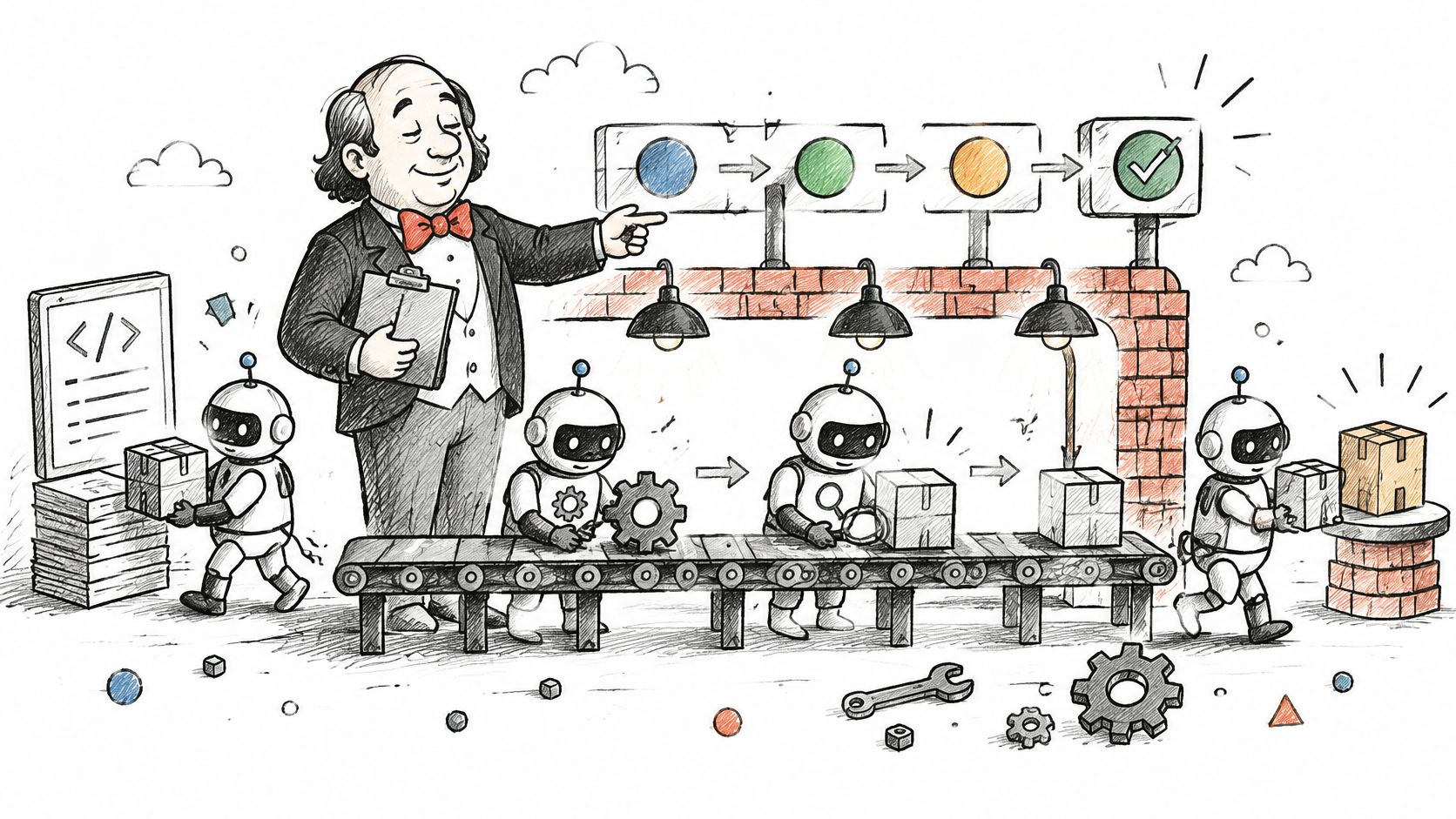
Jenkins is the tool most likely to be sitting in the rack when a team inherits a platform. It's an open-source automation server: a controller schedules work, agents execute it, and a Jenkinsfile in the repository describes the build, test and deployment steps. Almost every source-control system, test framework and cloud provider has a plugin, which is why long-established estates stay on it.
The practice around it is older than many assume. Automated, reproducible build-and-test processes were documented as running several times a day by September 2000, with daily builds described as the minimum acceptable frequency and build duration named as the limiting factor on how often a team gets feedback (the original 2001 continuous integration write-up). Jenkins automated the plumbing. It didn't change the economics.
What it costs to keep alive
Hosting. Someone patches Jenkins, upgrades plugins, rotates credentials and keeps the controller off the public internet. Say a PE-backed software company inherits 300 undocumented jobs: the first task is an inventory, not an upgrade. List every job, identify the handful that still produce a customer release, rebuild those as Jenkinsfiles in version control, and put a retirement date on the rest.
Ownership rule: if no named engineer can explain what a job does and why it exists, it isn't a build, it's a liability.
- Keep the controller boring. Run builds on agents so that a runaway job can't take the UI down with it.
- Pipeline as code, always. A job a customer depends on belongs in the same repository as the code it builds.
- Go on a plugin diet. Install what you use, and rehearse upgrades in a staging copy first.
The same discipline carries into running the estate afterwards, which is the ground application management services cover. Where an inherited pipeline nobody can explain needs reviewing before it's touched, Grail Computer Labs (GC Labs) takes that on inside a 4 to 8 week outcome engagement.
2. GitHub Actions
The lowest-friction choice is usually the one already where the code lives. GitHub Actions runs workflows in YAML files under .github/workflows, triggered by a pull request, a merge or a schedule, on GitHub-hosted runners or runners you host yourself. Marketplace actions cover most common steps, so a first working pipeline takes an afternoon rather than a week.
Where supply-chain risk collects
Because the build sits next to source, review and permissions, it's also where supply-chain control has to live. NIST published SP 800-204D in December 2024 as guidance on integrating software supply-chain security into DevSecOps continuous-integration and continuous-delivery pipelines (NIST's SP 800-204D publication note). That scope is the point: source code, dependencies, build artefacts and deployment credentials all meet in the same place.
- Pin third-party actions to a full commit hash. A mutable tag can change under you without a code review.
- Set the default token to read-only. Grant write permission per job, not per repository.
- Split large workflows into reusable ones. Nobody reviews 400 lines of YAML properly.
- Track build minutes monthly. Hosted runners are metered, and surprises land at quarter end.
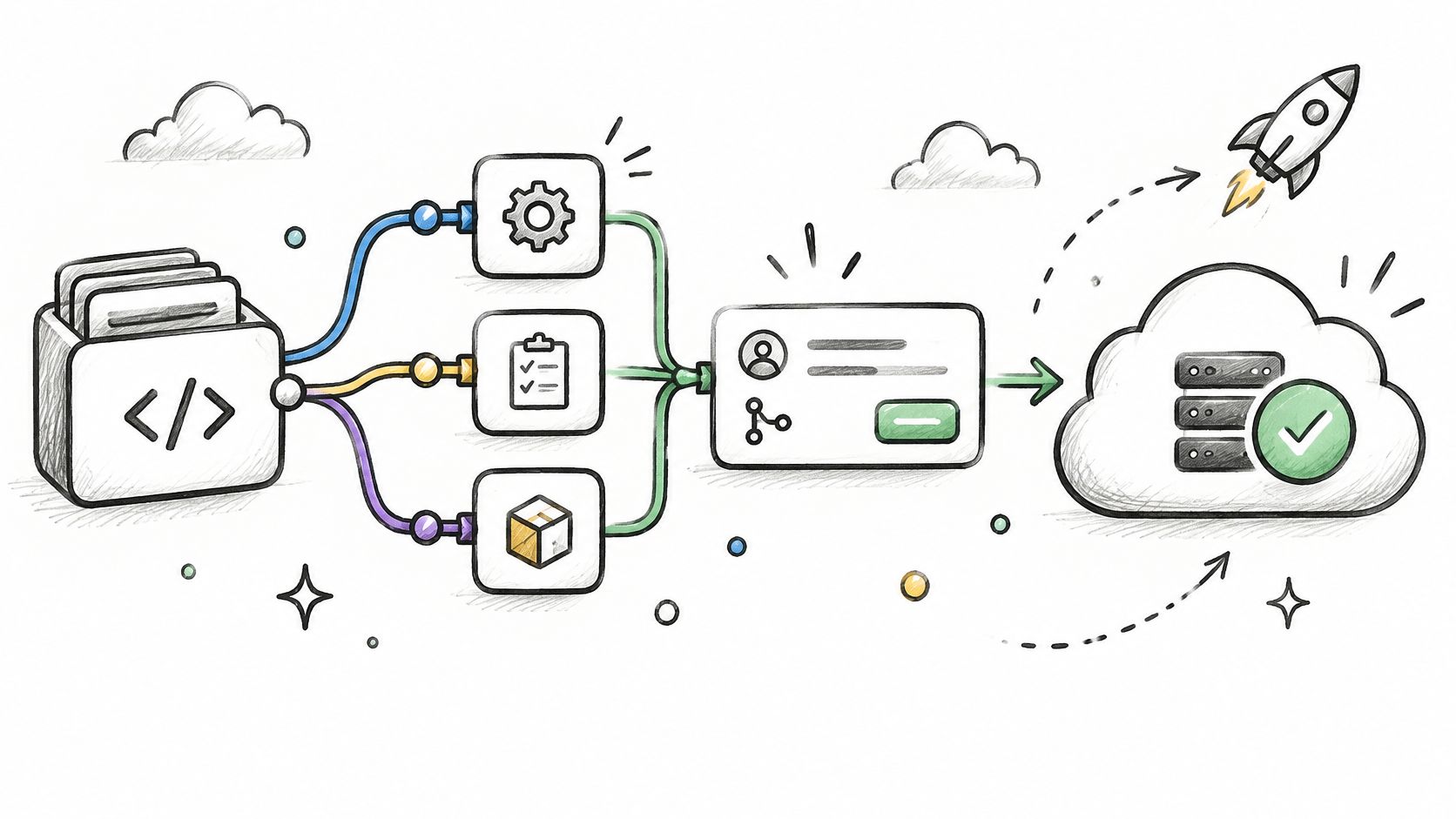
A worked example. A managed-service business (MSPs) is a non-IT service firm whose platform connects clients with workers, providers or partners. It runs unit tests, a security scan and a staging deployment as three linked jobs, then puts a protected environment in front of production that requires a named reviewer. The reviewer is the control; the runner is only where it happens.
Where it falls short: workflow logic is per repository, so twenty repositories mean twenty copies of the same release steps unless one person owns the shared workflows. That owner is a job, not a checkbox.
3. GitLab CI/CD
GitLab's argument is one application for source, issues, pipelines, security scanning and the container registry. Pipelines come from a .gitlab-ci.yml at the project root, stages run in order, and jobs inside a stage run in parallel on GitLab Runner, either self-managed or hosted. Teams choose it for the audit trail: a merge request, a pipeline, a scan result and a deployment sit under one permission model.
Testing is the value, not the pipeline
A global survey of 523 developers found that 78% said continuous integration makes them more productive, 85% believed it encourages greater use of automated testing, and 67% reported higher code quality on CI-enabled projects (the Oregon State study of continuous integration in practice). Read together, those figures argue that a pipeline earns its keep as a place where tests run, not as a deployment button.
- Use rules clauses rather than only and except. Conditions you can reason about at a glance are conditions you can change safely.
- Protect branches and add deployment approvals before production is connected, not after the first incident.
- Check cache keys against lock files. A stale dependency cache produces failures that look exactly like code faults.
- Confirm which security scans your tier includes. Assuming a scan runs is how gaps survive an audit.
Say a healthcare workforce platform needs an audit trail for every change to its scheduling service. Running GitLab CI/CD on self-managed runners in its own cloud account, with each deployment linked to the approved merge request, gives an auditor one record instead of a reconstruction exercise.
The same traceability question returns when AI agents start writing code, which is what this look at the agentic software development life cycle sets out. Where it falls short: the all-in-one model only pays off if you use the rest of the application. Keeping one vendor for code and another for pipelines means paying the integration tax twice.
4. CircleCI
Speed is CircleCI's argument, and speed here mostly means parallelism. It reads a .circleci/config.yml, splits a test suite across containers, caches Docker layers, and offers orbs, which are reusable configuration packages for common steps such as a cloud deployment. Jobs run in CircleCI's cloud or on self-hosted runners inside your own network.
The failure signal is the real feature
Fast pipelines only help if the failures they report are true. Research on wasted rechecks in OpenStack analysed nearly 315,000 recheck requests and estimated they consumed 187.4 compute-years, with a predictive model that could potentially prevent nearly 87% of the wasted rechecks (University of Waterloo research on CI recheck waste). Elsewhere, flaky tests are reported to account for 13% to 50% of build failures, which is why the insights view matters more than the parallelism badge.
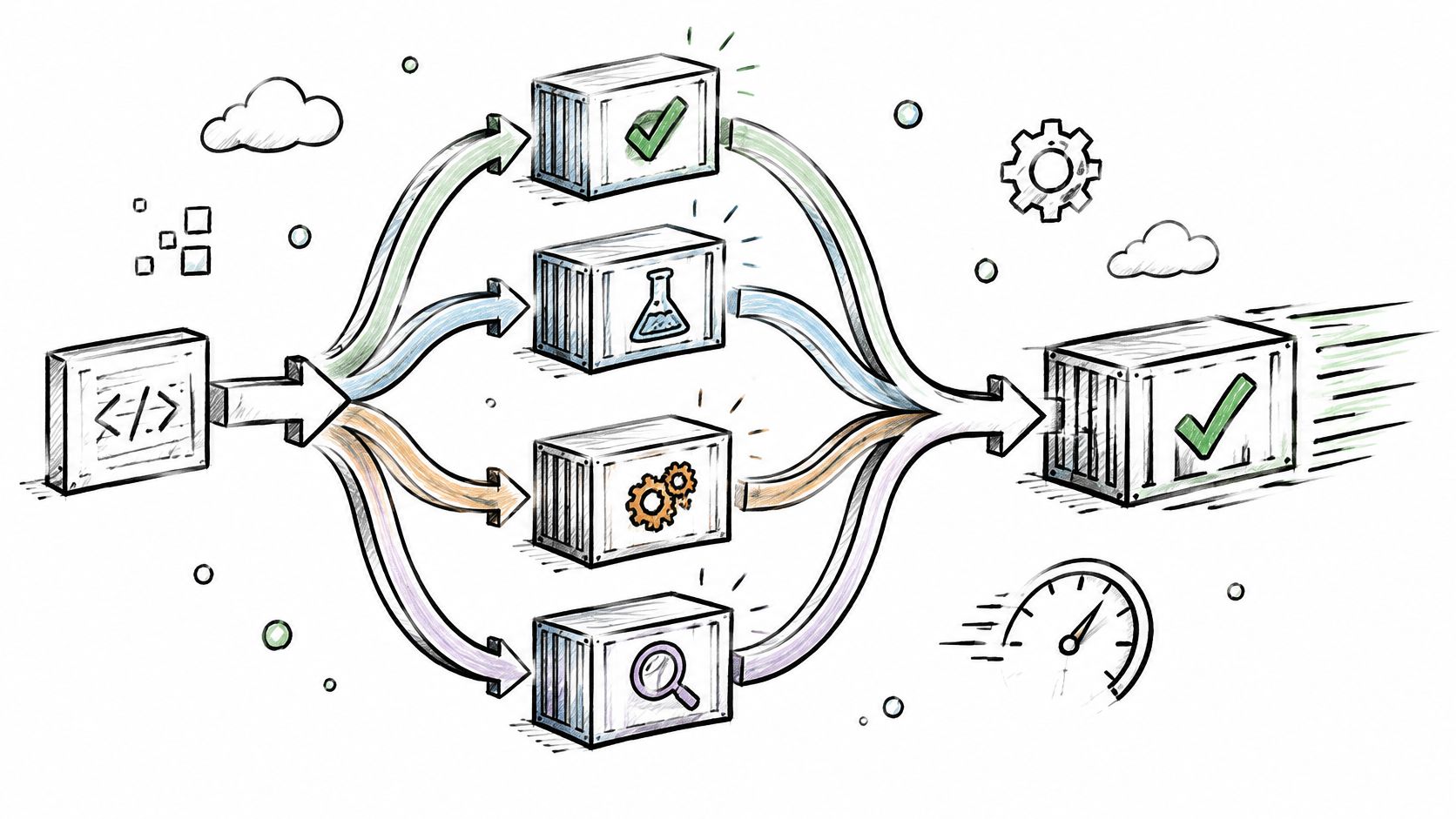
That view ranks slow jobs and tracks tests that fail intermittently, so an engineering lead can decide where to spend the next sprint. A fintech team with a 40-minute suite splits it across 10 containers, then uses the dashboard to find three tests that fail intermittently and fixes those first. The split buys time. The fixes buy trust.
- Measure before splitting. Extra containers mean extra cost; compare build time before and after.
- Quarantine flaky tests with a named owner and a date, rather than rerunning them until they pass.
- Pin orb versions so an upstream release can't change your pipeline overnight.
- Forecast a typical month of usage before signing a plan, not after the first invoice.
A pipeline that reruns itself until green isn't automated quality control. It's a coin toss with a log file.
Where it falls short: cost control is a discipline, not a setting. A team that adds parallelism and never reads the bill ends up with a fast pipeline and a finance director asking why.
5. Azure Pipelines
Enterprise estates tend to arrive with Microsoft identity, subscriptions and network boundaries already in place, and Azure Pipelines fits inside them. It builds from Azure Repos, GitHub, Bitbucket or any Git provider, defines work in YAML with multiple stages and per-environment approvals, and runs on Microsoft-hosted or self-hosted agents. Access follows existing enterprise policy instead of inventing a second permission model.
Approvals are an operating control
DORA's 2021 Accelerate report, based on more than 32,000 professionals, identifies continuous integration as a validated technical capability that improves continuous delivery, and reports that elite performers meeting their reliability targets were 5.8 times more likely to use it; teams combining version control with continuous delivery were 2.5 times more likely to reach high delivery performance than teams using only one capability (DORA's 2021 Accelerate State of DevOps report). That supports one concrete design choice: approvals belong on the environment, attached to named roles, not buried in a wiki page.
- Share stages through templates so every service follows the same release route.
- Keep secrets in Key Vault and reference them, never paste them into YAML.
- Configure environment checks before the first production deployment, not after the first outage.
- Decide early whether self-hosted agents are needed for private network access.
A property platform with an Azure-hosted backend runs test and staging stages automatically, then requires the operations lead's approval for production. The approval is recorded against the environment, so the question "who signed this off" has an answer six months later.
Where it falls short: the service is generous, but the surrounding platform isn't free of administration. Someone still owns agent pools, service connections and role assignments, and that person needs time allocated rather than goodwill.
6. TeamCity
JetBrains' CI server has a different centre of gravity: build chains and test reporting. Configuration lives in the web interface or in a Kotlin DSL kept in version control, and chains let a change to a shared library trigger tests across every product that depends on it. Its failure investigation tools point at the commit that broke a build, which shortens diagnosis in large codebases. A free tier covers small installations, useful for a team that wants a commercial-grade tool without an upfront licence.
Builds that fail for requirements reasons
The most expensive failures are the ones that look like code and aren't. Research on flaky tests lists unspecified timeout durations, unclear success and failure conditions, absent acceptance criteria and incomplete data specifications as recurring requirements problems; most surveyed practitioners estimated that 21% to 60% of flaky tests could stem from requirements issues, and 65% identified unclear requirements as a concern (the study of flaky tests and requirements). A build chain is a good place to make those contracts explicit, because a step with no stated pass condition shouldn't be a step at all.
- Version the Kotlin DSL and review it like application code, because it is application code.
- Use build chains for multi-component releases so a failure surfaces in one place, not three.
- Check the free-tier limits against planned growth before the tool becomes critical.
- Plan server backups and agent capacity on day one, not after the first outage.
A manufacturer with a shared library and three product applications chains the builds so that a library change triggers tests in all three before anything ships. Six months later, the chain is also the best documentation of what depends on what.
Recovering those rules from an older platform is the same exercise at a larger scale, which is the work legacy system migration services describe. Where it falls short: the plugin ecosystem is smaller than Jenkins, so unusual integrations become custom work with a custom maintenance bill.
7. Buildkite
Buildkite splits the system in two. The control plane, meaning pipeline definitions, scheduling and the interface, is hosted. The agents run on your infrastructure, so source and build artefacts never leave your network, which matters for data residency and security review. Pipelines are YAML and can be generated at run time, letting a build choose which tests to run based on the files that changed.
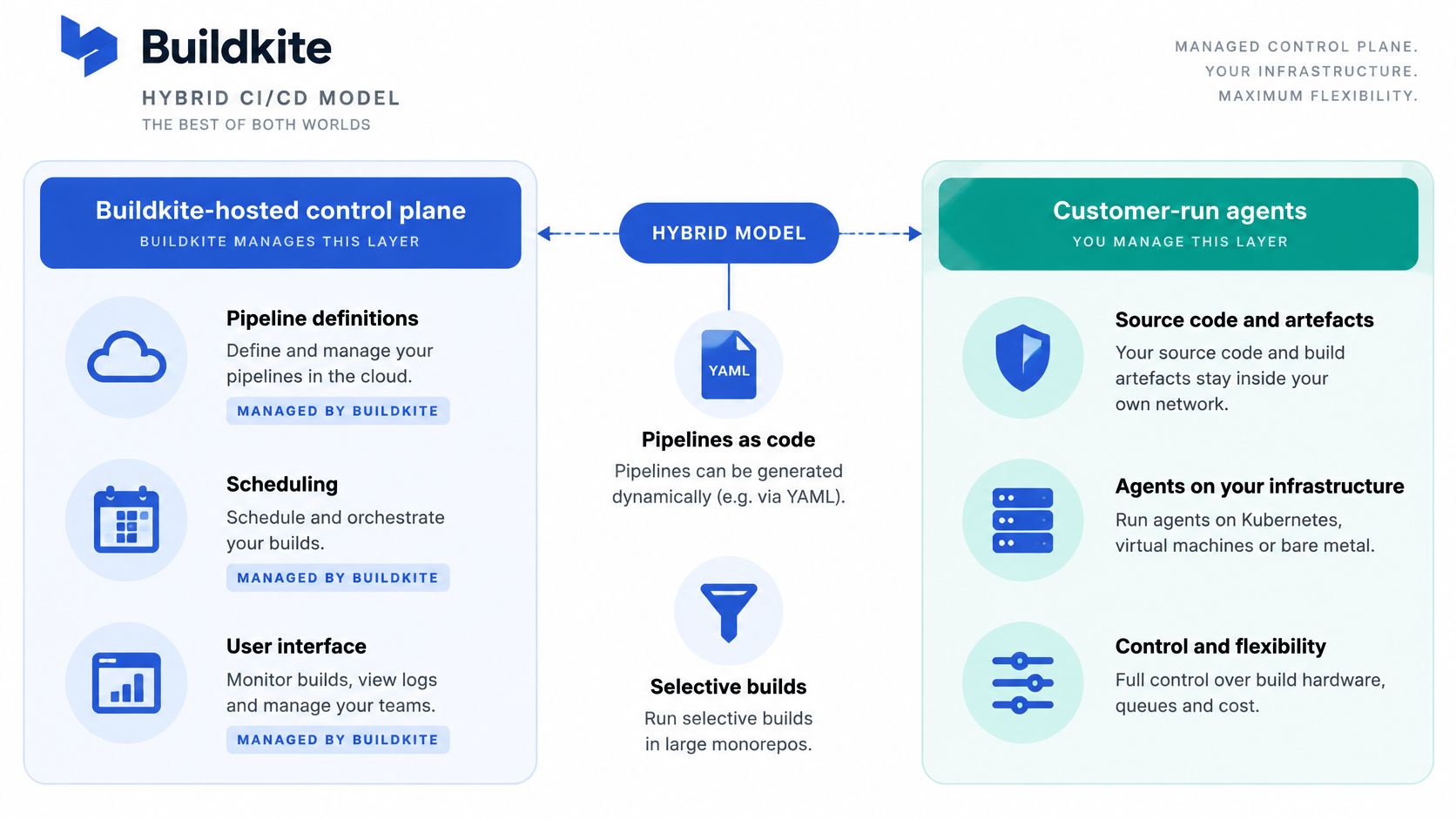
Control without managing everything
DORA defines continuous delivery as "the ability to release changes of all kinds on demand, quickly, safely and sustainably" (DORA's continuous delivery capability page). It also warns that deploying an existing process more often can raise failure rates and team burnout when architecture and process haven't improved. Hybrid agents don't fix a bad release process. They give you somewhere to run a better one.
- Start with a small agent pool and scale on measured queue times, not on a guess.
- Use dynamic pipelines only where selective testing saves real time, and keep the generator simple enough to debug at 2am.
- Version agent images so a build can be reproduced a month later.
- Name the owner of agent infrastructure in writing, because that's the post most often left vacant.
A fintech with a large monorepo generates a pipeline at run time that tests only the services a change touches. Agents run in its own cloud account, so code never reaches a third party's build machines, and the compute bill stays visible to the same team that spends it.
Where it falls short: you inherit the operational work of agents, autoscaling and networking, which is a genuine cost for a team without platform engineers. For a fragile inherited pipeline, a 15-day trial of a fresh pipeline design shows whether a rebuild is worth the effort before anyone commits to it.
How the seven continuous build software options compare on hosting, pipeline definition and release controls
| Item | Hosting model | Pipeline definition | Release controls | Best for |
|---|---|---|---|---|
| Jenkins | Self-hosted controller and agents | Jenkinsfile; declarative or scripted | Flexible, team-managed controls | Teams needing infrastructure control and in-house administration skills |
| GitHub Actions | GitHub-hosted or self-hosted runners | YAML workflows triggered by repository events | Environment protection rules and required reviewers | GitHub teams wanting integrated CI/CD with little setup |
| GitLab CI/CD | GitLab SaaS or self-managed; managed or self-hosted runners | .gitlab-ci.yml with stages, jobs, rules and includes | Protected branches and deployment approvals | Organisations seeking an integrated code, CI/CD and security platform |
| CircleCI | CircleCI cloud or self-hosted runners | YAML workflows, jobs and reusable orbs | Workflow approval gates | Teams seeking fast feedback and insight into large or flaky test suites |
| Azure Pipelines | Microsoft-hosted or self-hosted agents | Multi-stage YAML pipelines | Environment approvals and checks | Organisations already using Microsoft identity, Azure or Azure DevOps |
| TeamCity | Self-hosted server and build agents | Web configuration or Kotlin DSL | Build chains; specific release gates not stated | Teams wanting self-hosted CI with detailed test reporting |
| Buildkite | Hosted control plane with customer-run agents | YAML pipelines, including dynamic generation | Fine-grained build queues; specific release gates not stated | Organisations keeping build execution on their own infrastructure |
Picking Continuous Build Software You Can Hand Over
Pick the tool your team can run, secure and hand to the next owner, then write the release rules down before you connect production. That order matters more than the shortlist, because the tool is replaceable and the rules are what keep releases honest.
Deployment frequency is the plainest test of whether any of it worked. The 2023 State of Continuous Delivery report tracked it across six survey waves from Q3 2020 to Q1 2023, and in the Q1 2023 wave of 12,747 respondents, approximately 23% reported multiple deployments per day while 12% reported deployments from once per hour to once per week (the 2023 State of Continuous Delivery report). Frequent release is achievable and still uncommon, which makes it a reasonable management target rather than a fantasy.
The honest limitation is that no framework certifies a pipeline. NIST identifies SP 800-218 as SSDF Version 1.1, published in February 2022, as a set of recommendations rather than a guarantee, and a build isn't secure just because it runs continuously (NIST's SSDF publications).
- Write the release rules down. Who approves production, what evidence is kept, and what happens when a build fails twice for different reasons.
- Name one owner per tool. Jenkins, runners, agent pools and secrets all need a person, not a team inbox.
- Keep the exit path. Pipeline definitions, credentials ownership and test data should be transferable to a new team without a rewrite.
- Measure outcomes, not uptime. Deployment frequency, change lead time, failure rate and recovery time say more than a green dashboard.
Anyone still weighing the surrounding stack will find this comparison of tools for code review workflows a useful companion to the build decision.
Where a pipeline has been inherited and nobody can explain it, Grail Computer Labs audits it before changing anything, then keeps the build, tests and release process under one accountable pod rather than handing back a document and leaving.
Grail Computer Labs handles the build and release layer as part of a software rescue or an outcome engagement: auditing an inherited pipeline, keeping the tests that tell the truth, and getting releases moving again without a rewrite for its own sake. Work starts with a call under NDA, one measurable outcome is agreed, and qualified clients can stop within the first 15 days without paying. Visit Grail Computer Labs to start that conversation.